Codes
Working Build A Mech! codes for November 2026: claim Reactor Cores and the Restomod exclusive with full redeem steps plus fix tips.
View all CodesLive on Roblox · Fan Wiki
Roblox codes, mech tier lists, and Titan progression guides.
Unofficial Roblox Build A Mech wiki covering working codes, Titan tier lists, Ascend tips, arenas, and Reactor Core farming.
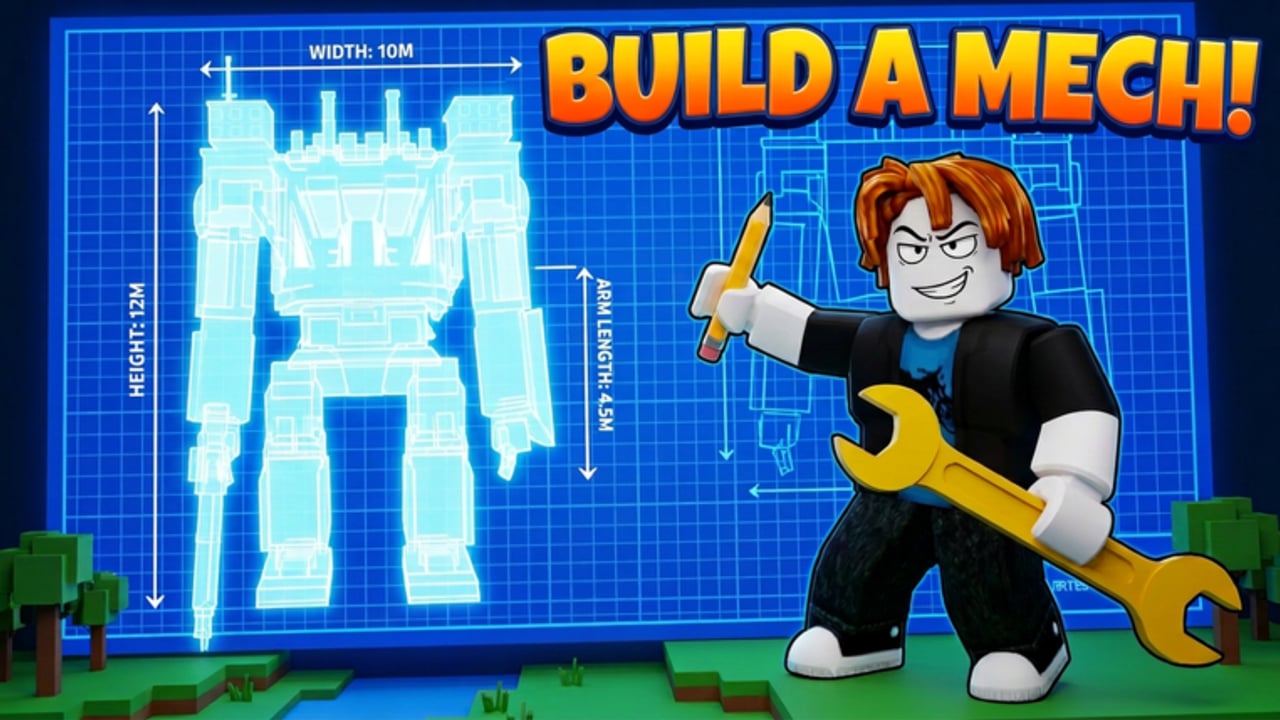
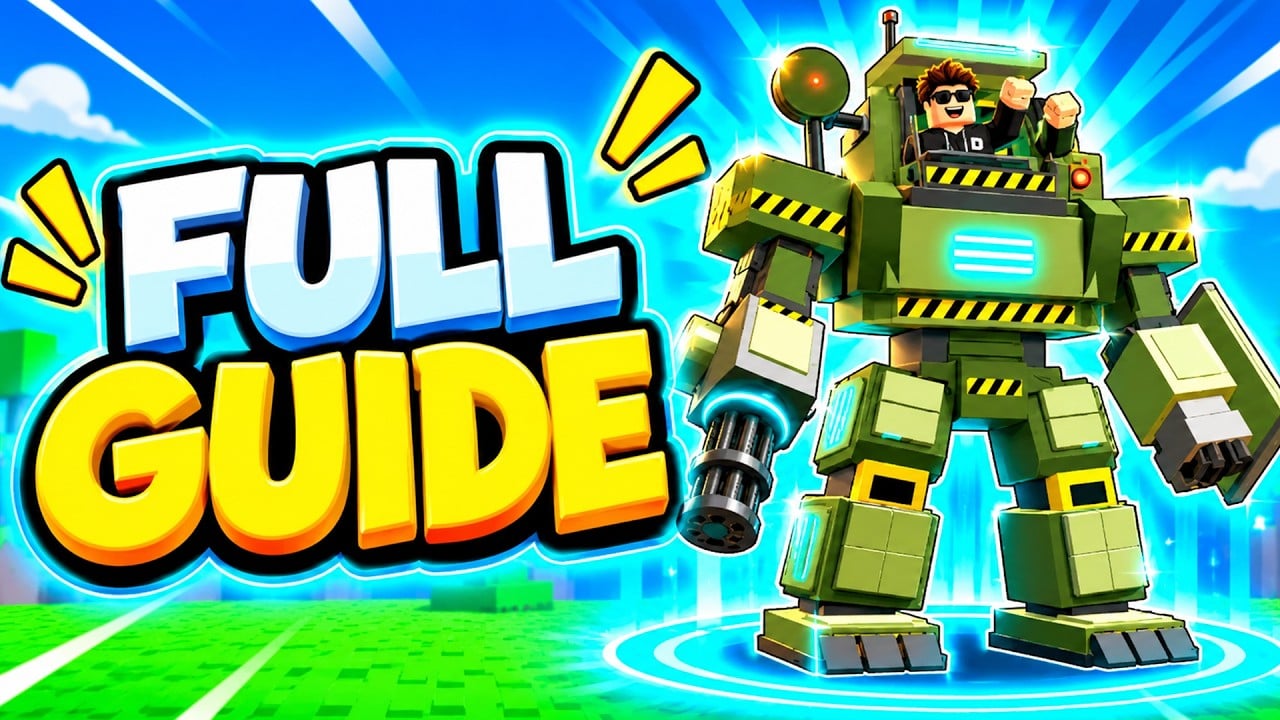
Build A Mech! by GerwinGames is a Roblox simulation where you start as a rusty scrap bot, haul parts through eleven wild arenas, and assemble up to thirty mechs on the road to a giant Titan. Earn cash offline, chase rare paints, redeem codes for Reactor Cores, study the tier list, and follow the Getting Started guide before you Ascend.
Working Build A Mech! codes for November 2026: claim Reactor Cores and the Restomod exclusive with full redeem steps plus fix tips.
View all CodesBuild A Mech walkthroughs covering first hour, arenas, Reactor Cores, Ascend, and rare paints so you progress without wasted cash.
View all GuidesBuild A Mech tier list hub: rank mechs by progression speed, arena combat survivability, and Ascend value for Colossal and Titans.
View all Tier ListBuild A Mech players hub: progression milestones, rare paint collecting, offline cash logout habits, and healthy leaderboard focus.
View all PlayersBuild A Mech updates from the October-November 2026 launch era covering code drops, Monolith balance chatter, and early PvP notes.
View all UpdatesBuild A Mech scripts hub covering auto farm, auto collect parts, ESP, and mech upgrade helpers with executor setup plus risk notes.
View all ScriptsOfficial Build A Mech links hub: Roblox place page, GerwinGames group, Discord search tips, and a complete map of every wiki page.
View all LinksOpen the Codes hub and claim RAVAGER, ASSEMBLY, and RUSTEZE for Reactor Cores plus the Restomod mech before they expire.
Follow Getting Started to haul parts, deposit at base, buy your first chassis, and understand offline cash.
Use the Arenas and Parts guide to pick routes, fight while collecting, and keep cargo trips full.
Read Reactor Cores and How to Ascend so Colossal and Titan Ascends land on Monolith, Hydra, or Ragnarok.
Compare early-game mechs with best Titans before you sink long upgrade trees into a weak frame.
Quick answers to the most common Build A Mech questions.
Build A Mech! by GerwinGames is a free simulation where you collect parts across eleven arenas, assemble up to thirty mechs from scrap bots to Titans, hunt rare paints, and earn cash even while offline.
Redeem codes first, then read Getting Started and skim the early-game tier list before chasing Titans.
After you buy every upgrade on a Colossal or Titan, spend 100 cores (Colossal) or 150 cores (Titan) to Ascend. Details live in How to Ascend and Reactor Cores.
This wiki supports: English, Français, Deutsch, Español, Português (BR). Configure locales in site.meta.json and run npm run generate:i18n.
Any third-party executor can risk your Roblox account. Our Scripts hub lists common features and safety notes so you understand the tradeoffs.
No. This is an unofficial fan resource. Confirm codes and patch notes on the [official Roblox page](https://www.roblox.com/games/95286376401706/Build-A-Mech) and GerwinGames channels.
Claim active codes, pick a path from the tier list, then follow Getting Started and the Ascend guide so Reactor Cores go into the right chassis.
Start with the beginner guide